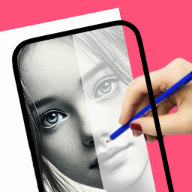
Trace outlines from photos and ready-made sketches
Built for people who want a simple path from idea to real drawing practice on iPhone or iPad.
trace drawing app
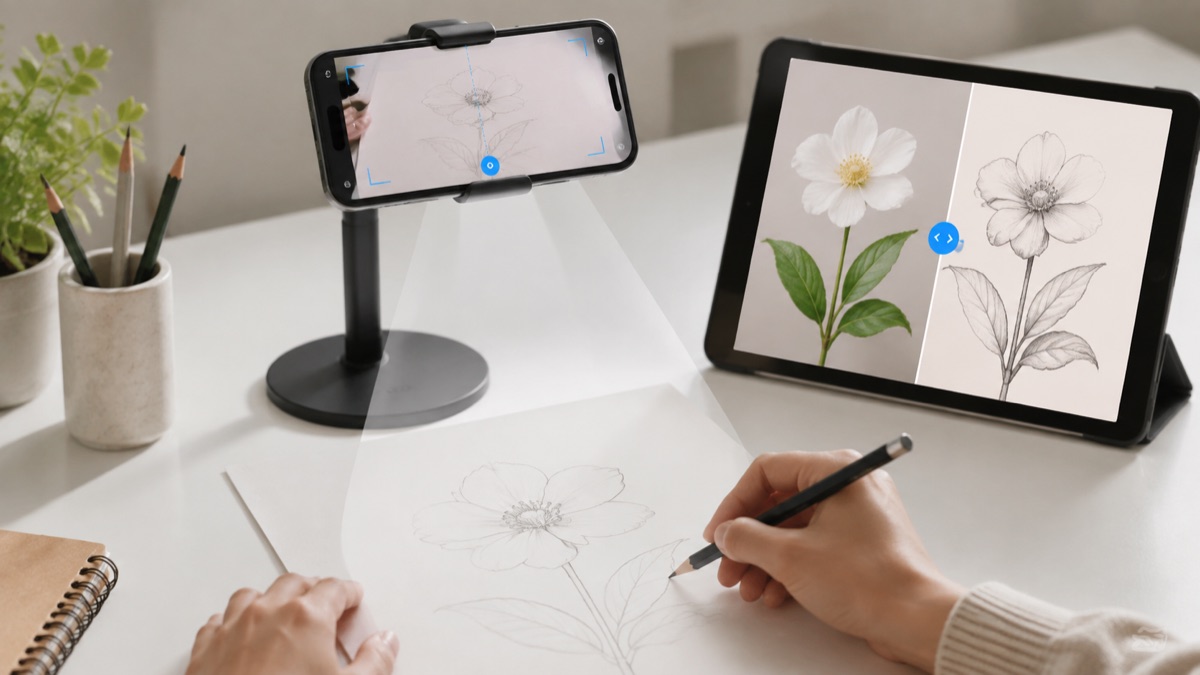
Trace photos, sketches, and outlines on paper with a phone-guided workflow that helps you place the first lines more accurately.
Real drawing videos
See short @howtodrawapp demos before you install: AR tracing, drawing projector setup, photo-to-sketch practice, anime sketches, and real paper drawing workflows.
Built for people who want a simple path from idea to real drawing practice on iPhone or iPad.
Built for people who want a simple path from idea to real drawing practice on iPhone or iPad.
Built for people who want a simple path from idea to real drawing practice on iPhone or iPad.
Drawing workflow
Trace drawing is useful when users already know what they want to practice: follow an outline, understand the proportions, and then redraw it by hand.
Tracing personal photos as practice references.
Learning proportions by following outlines before drawing freehand.
Creating cleaner anime, animal, flower, and tattoo sketches.
Using a phone stand as a quick drawing table setup.
Good for paper-to-paper tracing, but weaker for phone photos and digital references.
Works, but adds friction and wastes time before every drawing session.
Keeps the reference on the device and makes tracing part of a repeatable learning workflow.
Users who want to trace photos or sketches on paper
Beginners learning outlines and proportions
Artists building stencil-like references
People who want the app to draw automatically for them
Users who do not want to practice by hand
Choose a simple high-contrast reference.
Trace the main silhouette first.
Redraw the same subject once without the guide.
Tracing is most useful when it becomes a practice loop. Use it to understand the big shapes, then redraw the same subject without the overlay.
High-contrast portraits, pets, anime faces, tattoo outlines, flowers, cars, and simple character poses are the best first targets. Busy photos should be simplified with photo-to-sketch before tracing.
The workflow focuses on one drawing goal and keeps the App Store action clear on desktop and mobile.
Open the app, pick one reference, trace the structure, then repeat the same subject without tracing. That creates learning, not just copying.
It is an app that helps you follow an image outline while drawing on real paper.
Tracing can help beginners understand proportions, line flow, and shapes when it is used as practice.
Yes. Photo-to-sketch and reference tools are part of the app workflow.
No special hardware is required, though a simple phone stand makes tracing easier.
Yes. The App Store button opens the iPhone and iPad listing.
Start with the guide that matches this search, then try the kids drawing article for simple ideas parents and young beginners can use today.